
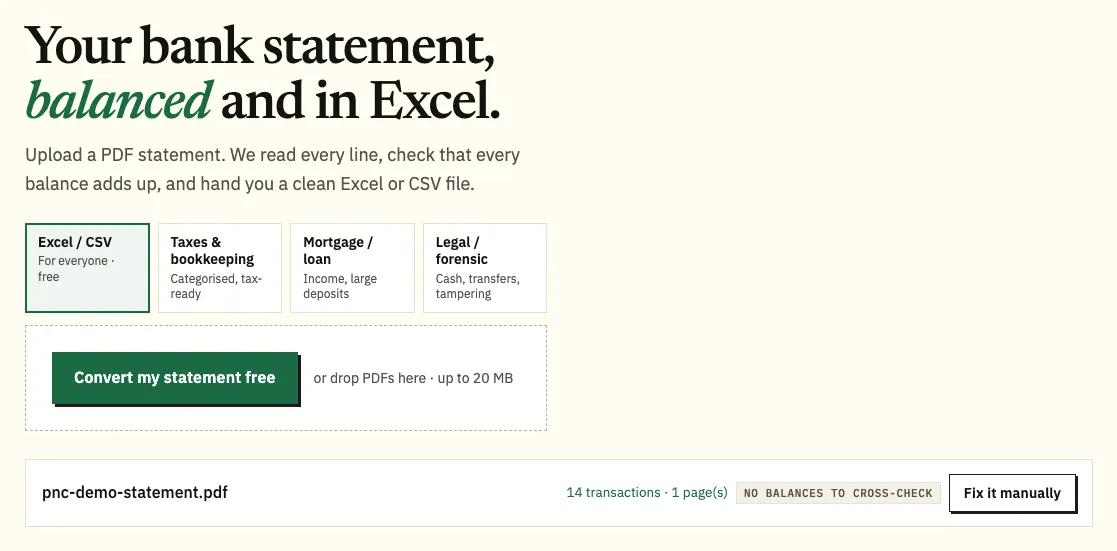
PNC only gives you statements as PDFs, so to export a PNC bank statement to Excel you save the PDF from PNC Online Banking or the PNC Mobile app and upload it to our free bank statement converter. Each transaction becomes a dated row that you can check against the PDF and save as an Excel or CSV file.
Quick answer: Open Statements and Documents in PNC Online Banking or the app, save the statement PDF, upload it in the box above, check the rows, then download Excel or CSV. Up to 3 pages a day are free without an account.
On this page
- How to export a PNC bank statement to Excel
- What PNC's own downloads can and can't do
- Check images, notices and other PNC quirks
- How long PNC keeps statements, and paper copies
- Fixing common PNC PDF problems
- Spotting and disputing a PNC charge
- Moving PNC transactions into QuickBooks, Xero or Sheets
- Keeping your PNC statements private
- Virtual Wallet: Spend, Reserve and Growth
- PNC tax forms
- PNC questions people ask
- PNC customers with other US accounts
How to export a PNC bank statement to Excel
Four steps. Only the first happens inside PNC.
- Save the PDF. Online Banking: Accounts → your account → Account Quick View → Statements and Documents → View PDF. PNC Mobile app: More → Statements and Documents → Online statements → account → year.
- Upload it here, in the box near the top of this page, or open the full bank statement converter. Three pages a day are free without an account, 15 with a free one.
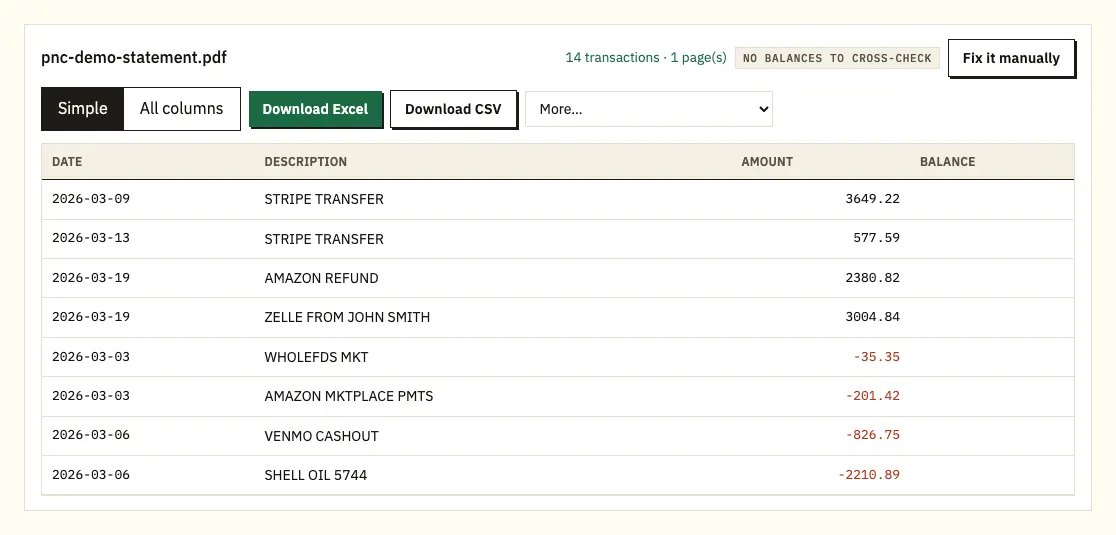
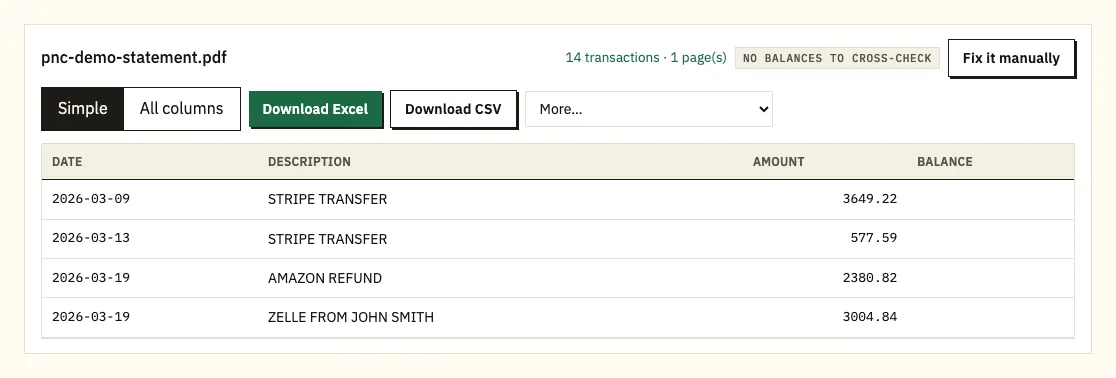
- Check the rows. A ⚠ marks any row where the printed balances stop adding up; click it to see that line on the PDF.
- Download Excel (.xlsx) or CSV. The paid plans add .qbo, OFX and QIF under More.
What PNC's own downloads can and can't do
PNC has its own exports, and they differ by account. For checking, PNC's help pages describe Quicken files (.QFX) and QuickBooks Web Connect files (.QBO). We found no PNC page confirming a plain CSV for checking, so look in Online Banking to see what your account offers. Credit cards get more: PNC lets you send up to 13 months of card activity to Quicken, QuickBooks, Microsoft Money or Excel.
Those files are activity for dates you choose. They aren't the statement, so they won't help when a lender asks for the March statement or when you need a year older than the export reaches.
| PNC export | Converted PNC PDF | |
|---|---|---|
| Checking file types | QFX, QBO | Excel, CSV (QBO, OFX, QIF on paid plans) |
| Credit card reach | 13 months, Excel allowed | Every card statement still online, up to 4 years |
| Checking and savings reach | Shown in Online Banking | Up to 7 years of statements |
| Printed balances compared | No | Yes |
| Old paper copies | Not possible | Scans work, with text recognition |
Check images, notices and other PNC quirks
PNC doesn't post an example statement on the help pages we checked, so open one of yours and note its headings. Expect the account, the statement period and a summary of the month near the top, with the transactions after it.
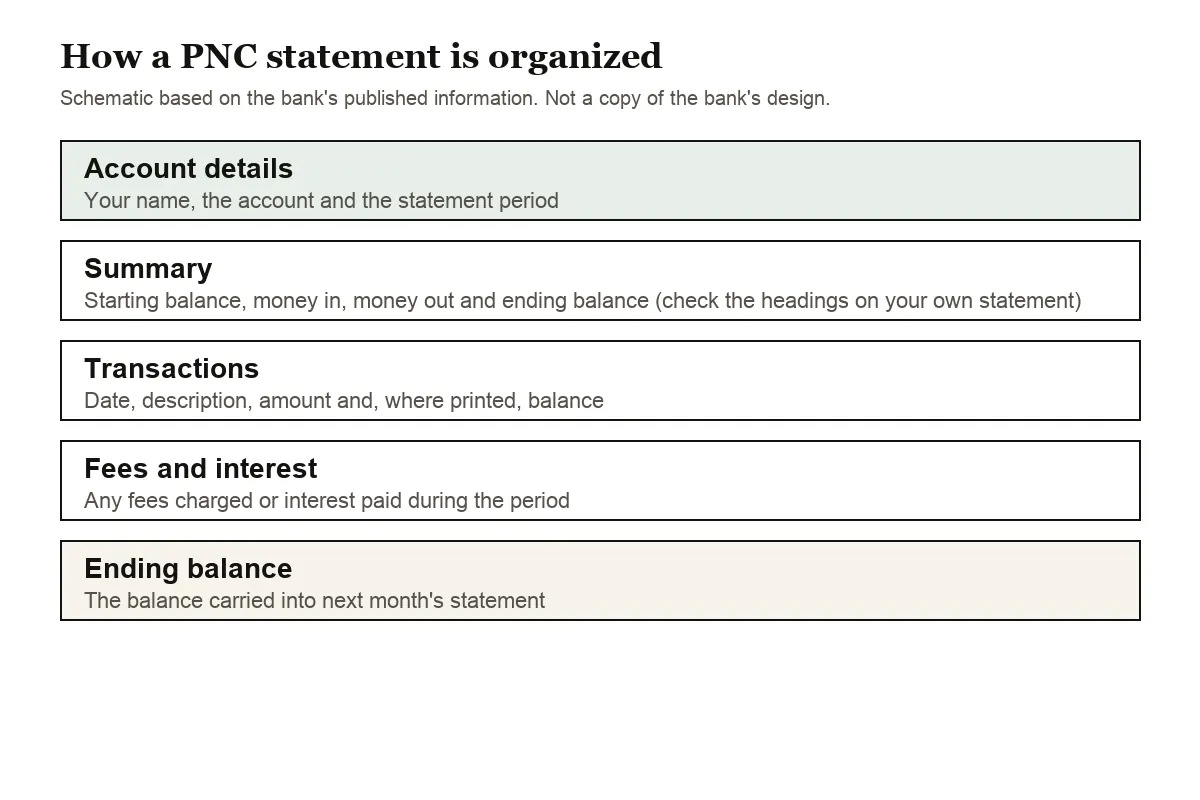
Two PNC habits are worth knowing. First, check images are not in the statement PDF: PNC keeps 24 months of them in your transaction history instead. Second, the Statements and Documents screen mixes statements with tax forms and notices, so confirm the file name before you convert. In the app PNC splits that screen into Online statements, Account documents and Other documents; only the first holds transaction lists, and the other two hold notices and forms.
Whatever layout your PNC statement uses, the converter reads it: a single amount column with minus signs, separate deposit and withdrawal columns, or month-and-day dates where the year comes from the statement period. On a PNC credit card statement, purchases come out negative and payments positive, matching their effect on your money.
How long PNC keeps statements, and paper copies
PNC keeps online statements for different lengths of time by product:
- Checking, savings, auto loans and unsecured installment loans: up to 7 years
- Credit cards: up to 4 years
- Mortgages and home equity loans: up to 5 years
- Investment accounts: up to 10 years
Closing an account can cut that short. PNC says online statement history may not be available for closed accounts, so save the PDFs first.
If you're collecting statements for a mortgage application or a tax preparer, work out the oldest month you need before you start. A card statement from five years ago won't be online any more, while a checking statement from the same month still will be.
Paper can cost money. PNC warns that a fee may apply if you choose paper statements or ask for a paper copy as well as the online one; the Account Pricing Center lists the amounts. To go paperless on the web, use Profile and Settings, then Alerts and Communication, then Paperless. In the app it's More, Statements and Documents, Paperless Settings. Each account can be set separately, and Notices and Letters has its own setting apart from statements.
Fixing common PNC PDF problems
Descriptions on two lines
Online transfers, bill payments and payroll deposits on a PNC statement often run onto a second line. Copied by hand, that line becomes an orphan row with no date or amount. The converter attaches it to the transaction it belongs to, so each payment keeps one row and its full text.
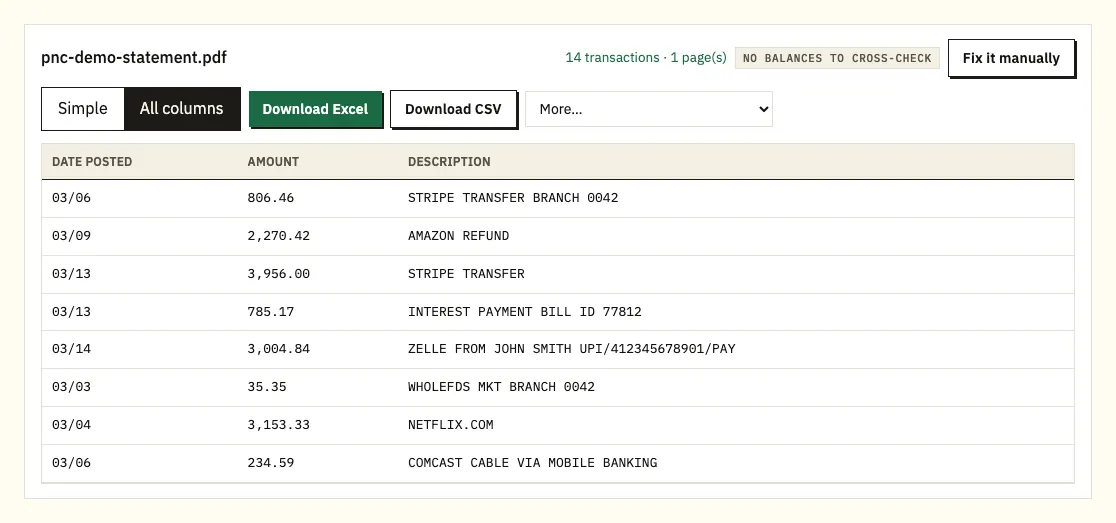
Checking, savings and card together
Upload all of them in one go. The spreadsheet gets a source-file column, which lets you filter by account afterwards.
A notice or tax form instead of a statement
Statements and Documents mixes statements with tax forms and notices, and in the app those sit under Online statements, Account documents and Other documents. If the converter finds no transaction table, check that you picked a file from Online statements. Only statements carry the rows you need.
A starting balance that doesn't match last month
When you convert several months, each statement's starting balance should equal the ending balance of the one before. A gap usually means a month is missing from the upload. PNC keeps checking and savings statements for up to 7 years, so download the missing one and add it.
Locked, scanned or odd files
A password-protected PDF triggers a prompt; the password opens that file once and isn't kept. Scans of paper statements go through text recognition, which makes more mistakes than a PNC download, so compare those rows with the paper. If a layout still comes out wrong, Fix it manually lets you draw the table, and paid plans remember it for next month.
Spotting and disputing a PNC charge
Sort the spreadsheet by amount, filter for "fee", and check that this month's starting balance equals last month's ending one; a charge that appears twice stands out once the rows sit side by side. If something looks wrong, PNC's card management page gives the dispute phone number and the online route for debit card charges.
Moving PNC transactions into QuickBooks, Xero or Sheets
For recent checking activity, PNC's own QBO file may be all QuickBooks needs. Converted statements fill the gaps: older months, card statements beyond 13 months, or a period that must match the PDF. Upload the CSV through QuickBooks' bank upload (QuickBooks import steps) or bring a CSV or OFX file into Xero as a bank statement (Xero import steps). In Google Sheets, use File, Import, Upload. Try one month before a full year.
Keeping your PNC statements private
The PDF travels over an encrypted connection and is used only for your conversion; nobody else receives it. Without signing in, the file and results disappear after 24 hours. A free account keeps them 7 days, with an auto-delete switch and a delete button for anything sooner. Our security page has the details.
Since PNC drops card statements after 4 years and may not keep closed-account history, keep your own copies too. The IRS explains how long to keep records that support a tax return.
Virtual Wallet: Spend, Reserve and Growth
Many PNC customers hold Virtual Wallet, which PNC builds from three linked accounts rather than one. PNC describes them like this:
- Spend: the primary checking account for daily expenses.
- Reserve: a second checking account for money set aside for upcoming costs.
- Growth: a long-term savings account that earns interest.
PNC lists the Virtual Wallet monthly service charge as $7 or $0, depending on whether you meet one of the waiver conditions on its features and fees page.
For bookkeeping, three accounts means three sets of activity. A move from Spend to Reserve shows as money out on one and money in on the other, so if you convert both and combine them, those transfers appear twice and cancel each other. Filter on the source-file column and mark internal transfers before you total income or spending. Open one of your own statements to see whether your accounts arrive in a single PDF or separately; we couldn't confirm that on PNC's public pages.
PNC tax forms
PNC's Statements and Documents screen holds tax forms alongside statements, with a search bar that finds a form faster than scrolling. Interest from Growth or another savings account is reported on Form 1099-INT, and our guide to bank statements for a tax return explains how converted statements help you check it.
PNC questions people ask
Can I download a PNC statement in Excel format?
No, statements come as PDFs. Checking activity downloads as Quicken or QuickBooks files, so converting the PDF is the way to get a spreadsheet that matches a statement.
How many years of PNC statements can I see?
Seven for checking and savings, four for credit cards, five for mortgages and home equity, and ten for investment accounts.
Where are statements in the PNC app?
Tap More, then Statements and Documents, then Online statements, and choose the account and year.
Does PNC charge for paper statements?
It can. A fee may apply for paper delivery or an extra paper copy; see the Account Pricing Center for your account.
Can I see PNC check images?
Yes, for 24 months, in your transaction history rather than in the statement PDF.
Can I export PNC credit card activity to Excel?
Yes, up to 13 months of it. For card statements older than that, up to 4 years back, convert the PDFs.
Why can't I find statements in the PNC app?
PNC says what the app can do depends on your accounts. If the statement menu is missing on your phone, try the same steps in Online Banking or in PNC's mobile web version in your phone's browser.
Can I still get statements after closing a PNC account?
Possibly not online. PNC says online statement history may not be available for closed accounts, so save every PDF you need before you close it.
How do I stop paper statements at PNC?
On the web, go to Profile and Settings, then Alerts and Communication, then Paperless. In the app, it's More, Statements and Documents, Paperless Settings. Each account is set separately, and Notices and Letters has its own setting.
PNC customers with other US accounts
If you also bank with Chase, Bank of America, Wells Fargo, U.S. Bank, TD Bank or Truist, each has its own guide with that bank's menus and limits. The full list is on all supported banks.
PNC explains its statement menus on its online statements help page. When your PDFs are saved, export a PNC bank statement to Excel with the bank statement converter.